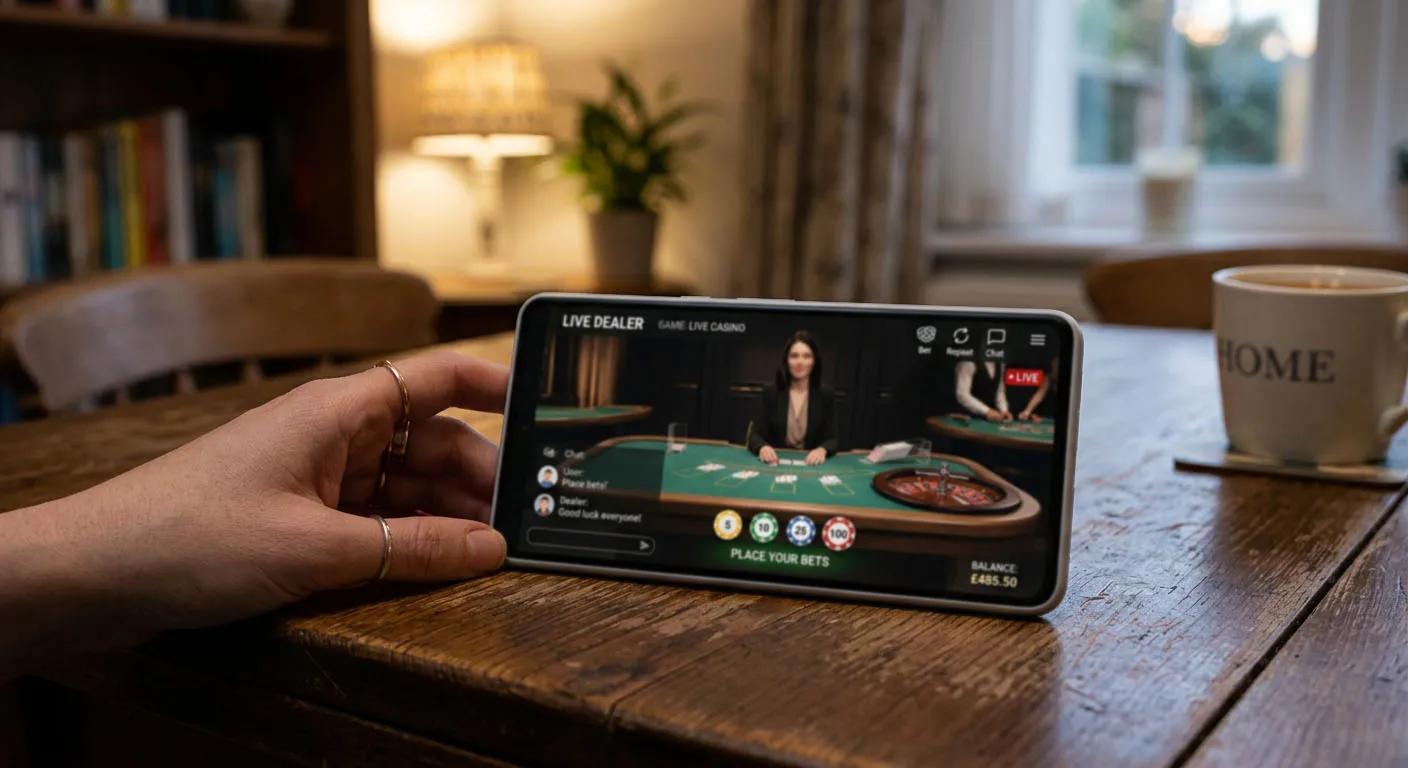
PlayMillion Registration, KYC and Safer Play
 Available in GB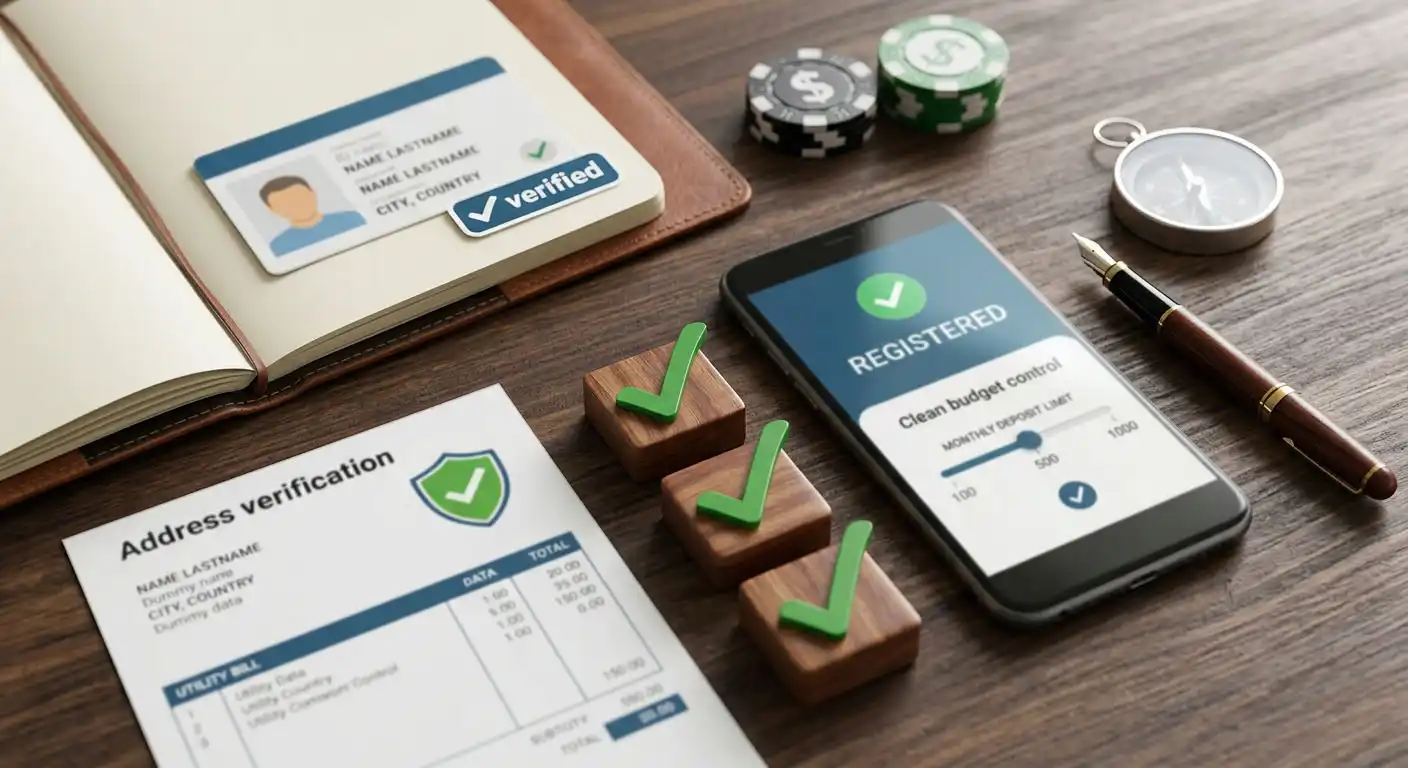
UK players opening a PlayMillion account should expect a standard sign-up process followed by identity and account checks when required. PlayMillion’s withdrawal-verification guidance says it can request proof of identity, proof of address and evidence that a payment method belongs to you. Review time can vary when extra checks are needed, so KYC should not be treated as a fixed countdown or as a guaranteed withdrawal time. The best setup is to register with accurate details, use payment methods in your own name, prepare clear documents before the first cashout, and set gambling limits early. UK remote operators must also provide self-exclusion procedures, and current Gambling Commission reforms require financial-limit tools to be presented prominently during the customer journey.
Table of Contents
- PlayMillion sign-up checklist
- Why accurate registration details matter
- What KYC documents can PlayMillion request?
- How long does PlayMillion verification take?
- Payment ownership and the first withdrawal
- Safer gambling controls should be part of setup
- Financial limits in the UK: what is changing
- A practical safer-play setup
- Common registration and KYC mistakes
- Account security on desktop and mobile
- What to do if verification stalls
- A clean PlayMillion account setup
PlayMillion sign-up checklist
- Use your real legal identity. Enter your name and date of birth exactly as they appear on the documents you would use for verification.
- Enter your current residential address. A mismatch between account details and proof of address can create extra checks.
- Use contact details you control. Your email and phone can be important for security and account communication.
- Create a unique password. Do not reuse credentials from email, banking or another casino account.
- Choose GBP where appropriate. For a UK account, GBP is the relevant currency to select where it is offered.
- Set a budget before depositing. Use the financial-control tools as part of setup rather than waiting until gambling has already become difficult to manage.
- Fund only from a method in your own name. This helps avoid ownership questions during KYC and withdrawal.
Why accurate registration details matter
Casino registration is not a disposable username exercise. The information you enter becomes the reference point for later age, identity, address and payment checks. If you shorten your legal name, use an old address or enter details that do not match your documents, the mismatch can make a normal verification process harder than it needs to be.
That matters especially before withdrawal. PlayMillion’s current document guidance links verification to identity, residence and payment ownership. A consistent account record makes those checks easier to understand: the name on the casino account should align with the identity document, the residential address should align with acceptable proof, and the funding route should belong to the account holder.
If your details genuinely change, update them through the appropriate account or support process rather than creating a second account to work around the mismatch. Multiple or inconsistent accounts can introduce additional compliance questions.
What KYC documents can PlayMillion request?
PlayMillion’s current withdrawal-document page describes three main categories of evidence. For identity, it refers to government-issued identification such as a passport, driving licence or identity document. For address, it gives examples including a utility bill or bank statement. For card verification, it explains how a card image can be requested with sensitive digits obscured while the identifying parts needed for ownership checks remain visible.
The practical point is not to upload every document you possess. Provide the category the operator asks for, in the requested format, with the relevant information readable. Do not edit a document beyond redactions that the instructions specifically permit. If the account uses a new payment method or personal information changes, PlayMillion says additional document uploads can be required.
Prepare verification evidence before you urgently need a withdrawal. That does not mean sending documents without being asked. It means knowing where your valid ID and recent proof of address are, keeping account details current and ensuring payment methods are yours.
How long does PlayMillion verification take?
PlayMillion does not promise one fixed KYC completion time for every account. Extra verification can extend the process, so follow the current request shown in the account and use the operator’s official support channel if the next step is unclear. Treat document review as account-specific rather than as a guaranteed approval window.
A document can take longer if the image is unreadable, the data does not match the account, a payment method needs separate ownership evidence or the operator needs further checks. A good response to a delay is to look for an explicit request in the account or support channel rather than repeatedly uploading different files without instructions.
Do not confuse KYC review time with withdrawal processing time. A withdrawal can involve separate stages after identity checks are complete. The PlayMillion withdrawal guide covers those cashout-specific points and deliberately avoids publishing fixed GBP withdrawal limits, fees or processing times where published UK information is inconsistent.
Payment ownership and the first withdrawal
The simplest account history is one where the registered player and the payment owner are the same person. Use a card, bank account or wallet in your own name. If a payment instrument needs verification later, you are then in a position to provide evidence that connects it to you.
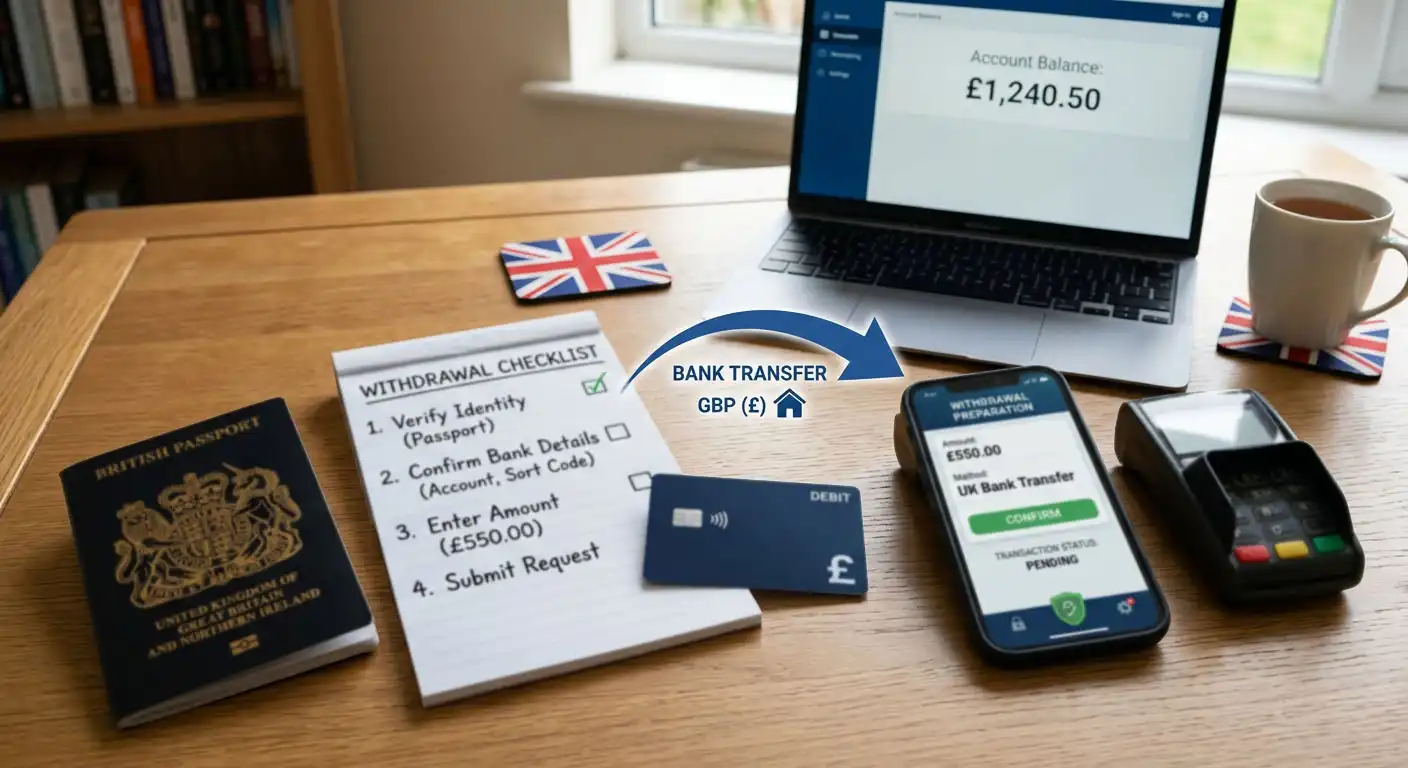
Before the first withdrawal, check four things: your account name is correct, your address is current, the payment route in the cashier is one you can access, and you have no unresolved document request. If you used a promotion, also review its current balance rules because a withdrawal request can affect an active bonus. The PlayMillion bonus guide explains the FIRST20 offer and its conditions separately.
The broader deposit and withdrawal options guide is useful before the first deposit because it compares payment categories by more than deposit convenience. Thinking about the return route in advance is better than discovering after a win that a funding method cannot receive a withdrawal.
Safer gambling controls should be part of setup
PlayMillion provides account controls that include deposit limits, cooling-off or temporary suspension options, self-exclusion and time or game-status tools. These controls are more useful when configured before gambling starts. A limit chosen while calm is more likely to reflect a real household budget than one chosen after a losing session.
For UK users, self-exclusion is also part of the licensed remote-gambling framework. Gambling Commission rules require relevant remote licensees to have self-exclusion procedures and take reasonable steps to refuse service or prevent a self-excluded person from participating in gambling. Operators must also close the relevant customer accounts and take steps to prevent marketing being sent to the excluded customer.
Self-exclusion is not a device setting and should not be treated as something that can be bypassed by changing browser, phone or app. If you use it, the purpose is to create a real break from gambling access. The PlayMillion safety and licence check explains the operator’s UK licensing context separately.
Financial limits in the UK: what is changing
UK financial-limit rules are being phased in. As of 9 September 2026, the next important change is scheduled for 30 September 2026. From that date, the Gambling Commission’s updated remote technical standards require operators to offer gross deposit limits and reserve the term “deposit limit” for limits that meet that definition. The system must also prevent further deposits once such a limit is reached until the period restarts or the customer takes action to increase it, subject to the standard cooling-off requirement.
The wider framework also requires customers to have access to financial-limit facilities from registration and to be prompted to set a limit during registration or by the first deposit or payment. The practical takeaway is that limit-setting is increasingly designed as a normal part of account setup, not as an emergency feature hidden in a responsible gambling page.
The 30 September 2026 change is not yet in force. Until then, treat it as a scheduled regulatory requirement rather than a feature that every account must already show. After that date, check the current Gambling Commission rules and the PlayMillion account interface for the implemented version.
A practical safer-play setup
Set a money ceiling
Choose a deposit or financial limit that fits disposable income, not the amount you hope to win.
Set a time boundary
Decide when a session ends before opening the casino and use time reminders where available.
Reduce prompts
Turn off promotional app notifications or marketing channels if they encourage unplanned sessions.
Keep payment friction
Avoid saving or adding multiple funding methods simply to make deposits easier.
Use cooling-off early
If gambling is becoming more frequent or emotionally driven, a temporary break is more useful before harm escalates.
Use self-exclusion when needed
If a break needs to be firm, use the operator and wider self-exclusion tools rather than relying on willpower or deleting one app.
Common registration and KYC mistakes
| Mistake | Why it creates friction | Better approach |
|---|---|---|
| Using a nickname or shortened legal name | It can fail to match identity evidence | Use the name shown on your ID |
| Registering with an old address | Proof of address may not align | Enter your current residential address |
| Depositing from another person’s card or wallet | Payment ownership becomes difficult to verify | Use payment methods in your own name |
| Uploading blurred or cropped documents | Important details may be unreadable | Use clear images and follow the requested framing |
| Waiting until an urgent withdrawal to locate documents | A normal KYC request feels like an unexpected delay | Know in advance which valid documents you can provide |
| Setting no budget at registration | Deposits can become reactive | Set a financial limit before the first gambling session |
Account security on desktop and mobile
Registration also creates a security responsibility. Use a unique password and protect the email account connected to PlayMillion, because email access can be central to password resets and account communication. Do not share login credentials, verification codes or uploaded identity files with anyone claiming to be able to “speed up” a withdrawal outside official support channels.
If you use the PlayMillion app, install it only from the official app store or a verified PlayMillion route. An unofficial APK or clone can expose the same account credentials and personal data that KYC is intended to protect. On a shared device, log out after use and avoid allowing browsers or password tools to expose the account to other users.
What to do if verification stalls
Start with the request itself. Check which document category PlayMillion says is missing and whether the file you supplied meets the stated requirements. If the account name, address or payment details differ from the document, explain the legitimate reason through support instead of submitting altered evidence.
If the account remains pending after you have supplied the requested documents, use PlayMillion’s official support channel and keep a record of what was uploaded and when. If the issue relates to a withdrawal, separate the verification question from the cashout question: first confirm whether KYC is complete, then ask what withdrawal stage remains.
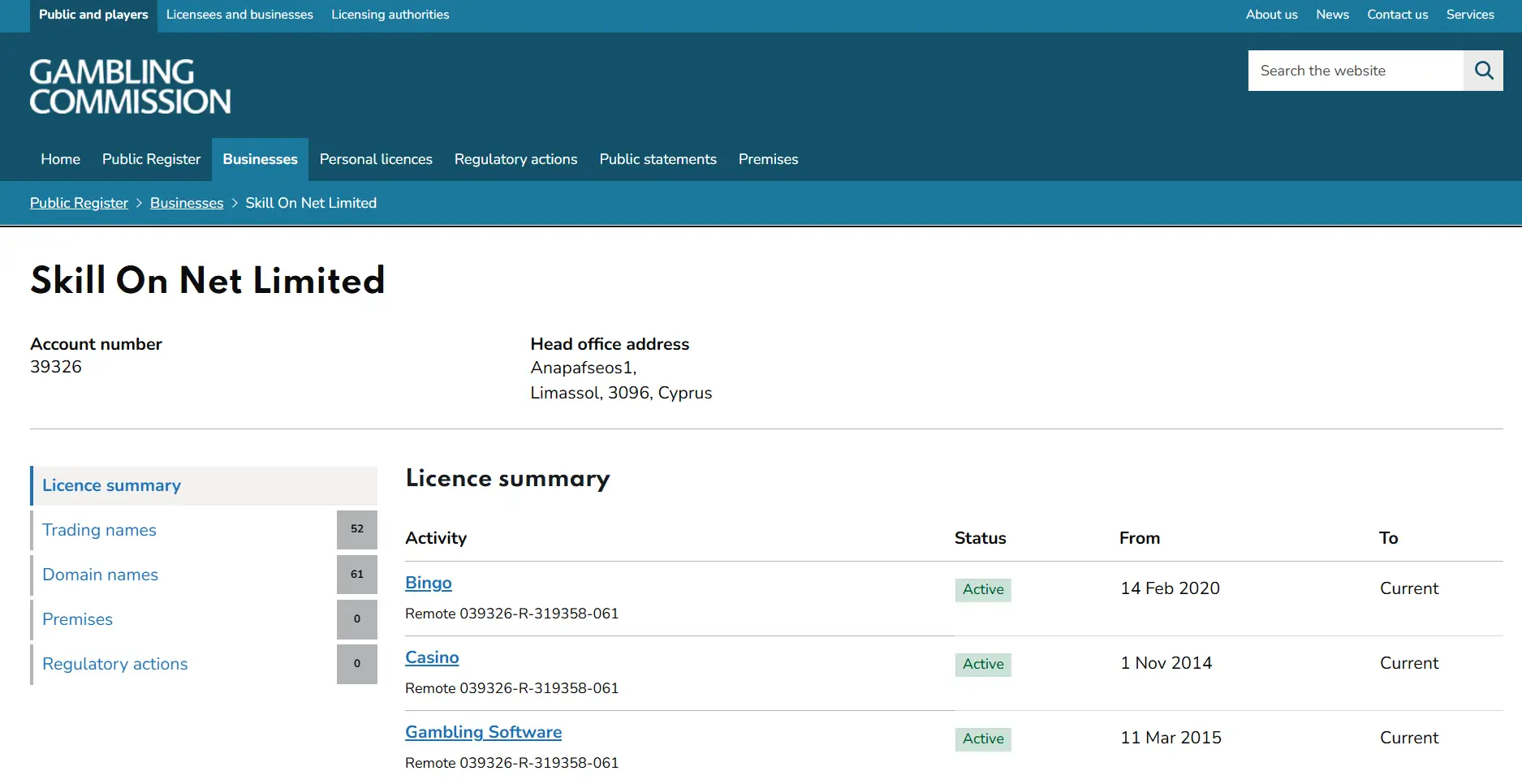
If your concern is broader than verification and you want to assess the operator’s regulatory status, use the UKGC licence status page rather than relying on badges or unsourced claims on third-party sites.
A clean PlayMillion account setup
A clean PlayMillion account setup is mostly about consistency. Register with accurate personal details, use payment methods you own, keep valid identity and address evidence available, and follow the exact upload request if KYC is triggered. Additional checks can extend document review, so follow the account-specific request and do not confuse KYC completion with a guaranteed withdrawal time.
Safer gambling controls belong in the same setup process. Set a budget before depositing, use time controls, reduce marketing prompts that do not help you, and use cooling-off or self-exclusion when appropriate. For the wider operator assessment, return to the full PlayMillion UK review.
Written by the editors at Playmillion Casino.